Installation
ChattY is an npm package that helps you deploy a chat interface in your application without having to create any components for it. This makes it really easy to add a chat interface to your app without worrying about all the little details, and you can focus on the things that matter!
Installing the Package
In order to access UI Kit you'll need to install the npm package for ChattY. The installation is just like any other npm package:-
npm install chatgator
Now that you've install chatgator you'll be able to access to it's:-
- Pre-Assembled UI Containers
- MicroComponents for UI Customization
- Context to connect backend
Login to ChattY
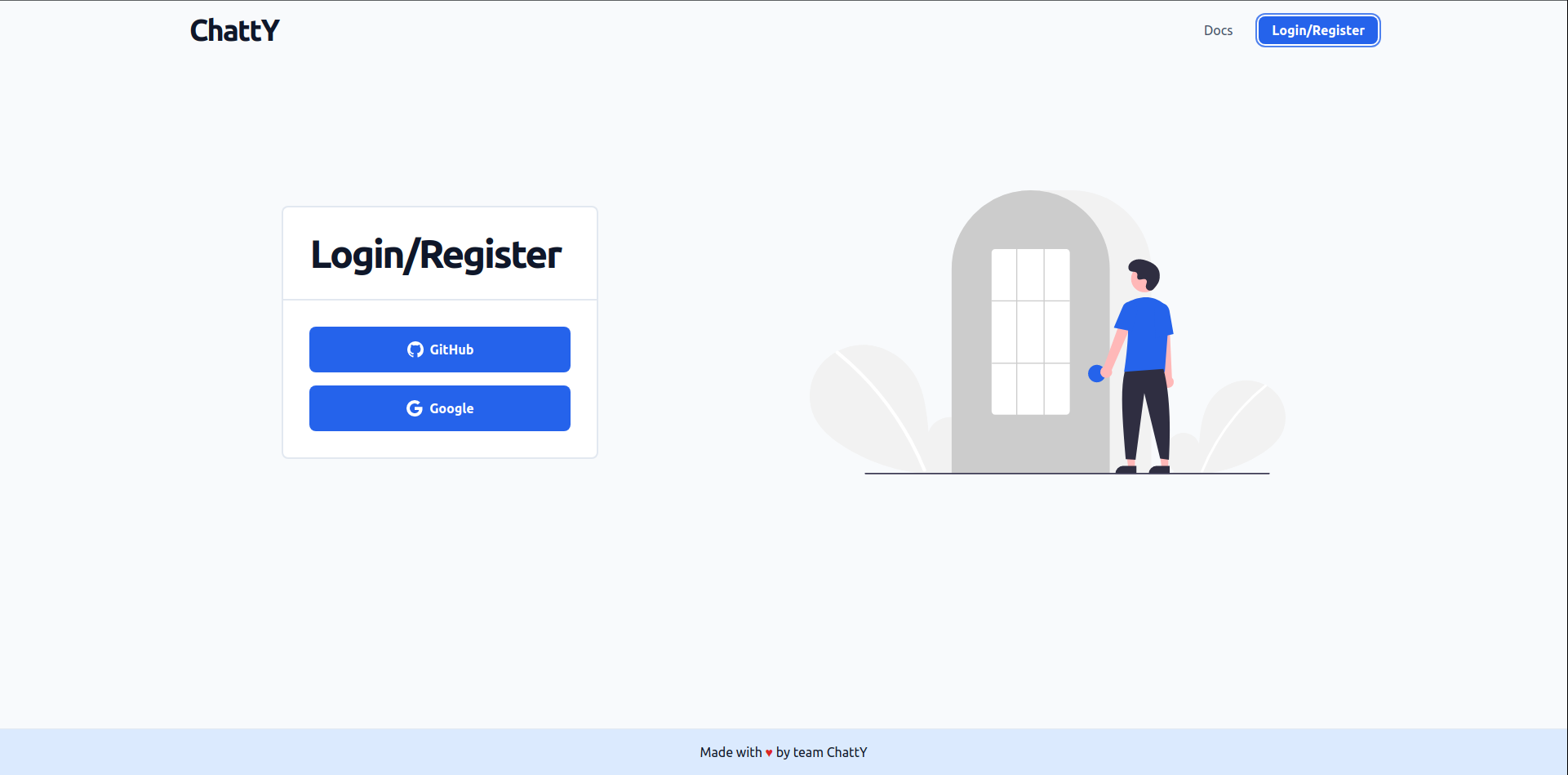
Great! We have the UI available to use but we'll need a backend to take care of the chat functionalities. This we can do by creating a project in ChattY's website. Simply start by logging in with you gmail account:-
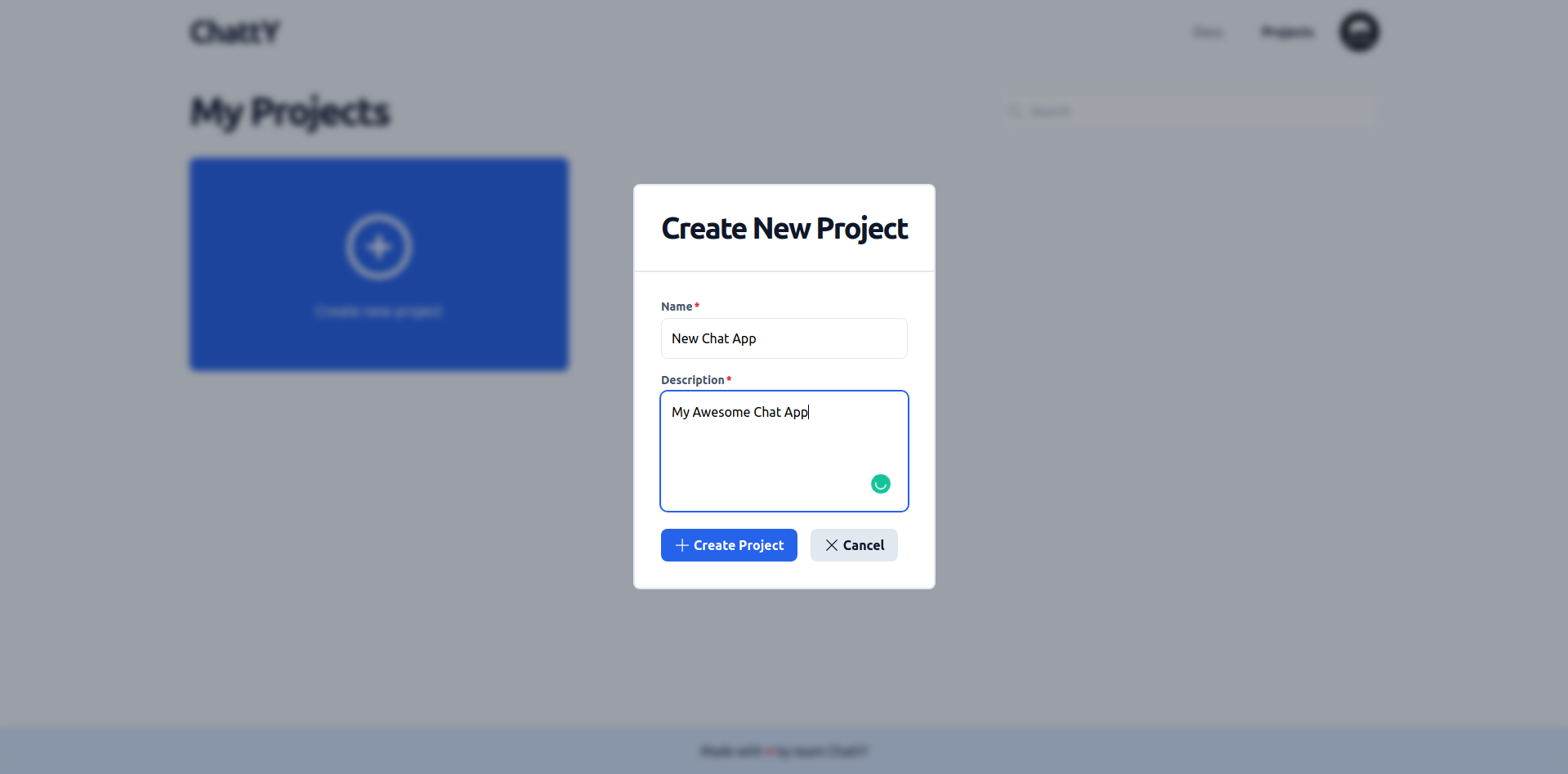
After successfully logging in, users are brought to the main page where they can start creating a new project. By clicking on the create project button, a new project can be made by inputting the project name, description, and other relevant information:-
Let's take a look at how to access project credentials and how we can add new users to the project.