Setting Up Your Project
By now we have everything set up to integrate the chat UI and create a project to handle the backend stuff. The next step is to access the project credentials so we can connect the frontend to the backend. This will allow us to start using the chat UI and begin communication with others.
Accessing your Project Token
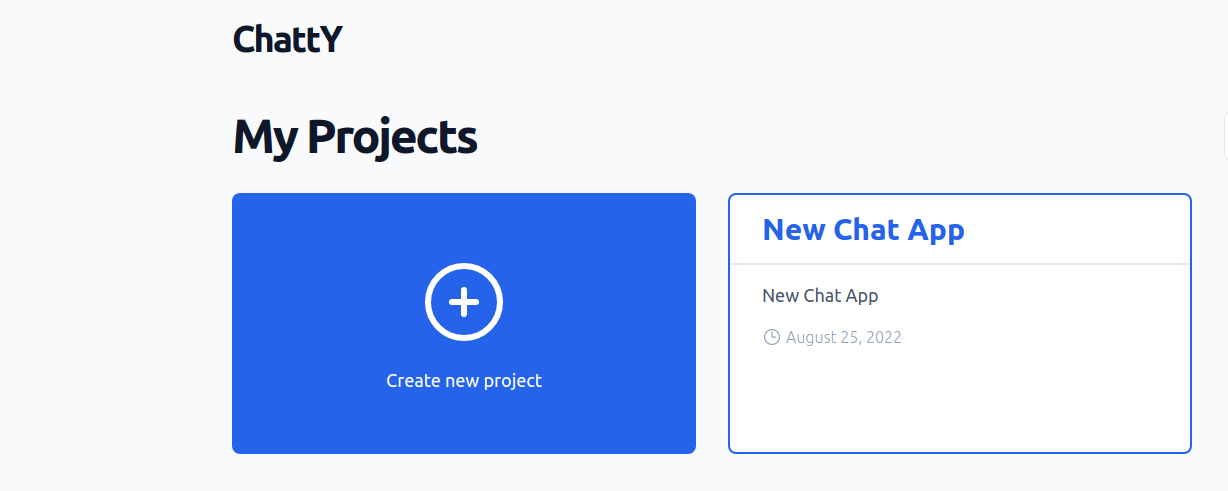
We'll start by going to the project dashboard by simply clicking the project card in Projects Section:-
Once in the project section you'll be able to access and view the project credentials:-
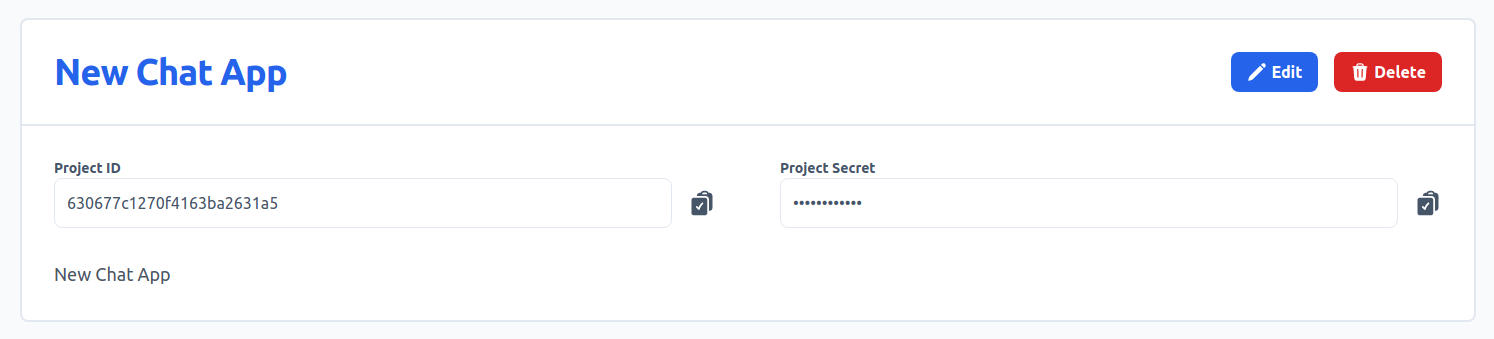
Copy these credentials or save them in .env file, so you can use it to add chat functionality to the UI. Now that we have the credentials let's start creating our chat app.